License activation
Getting Started · updated 2026-07-15
Activating Pyraxis is simple and helps ensure your license is securely tied to your device.
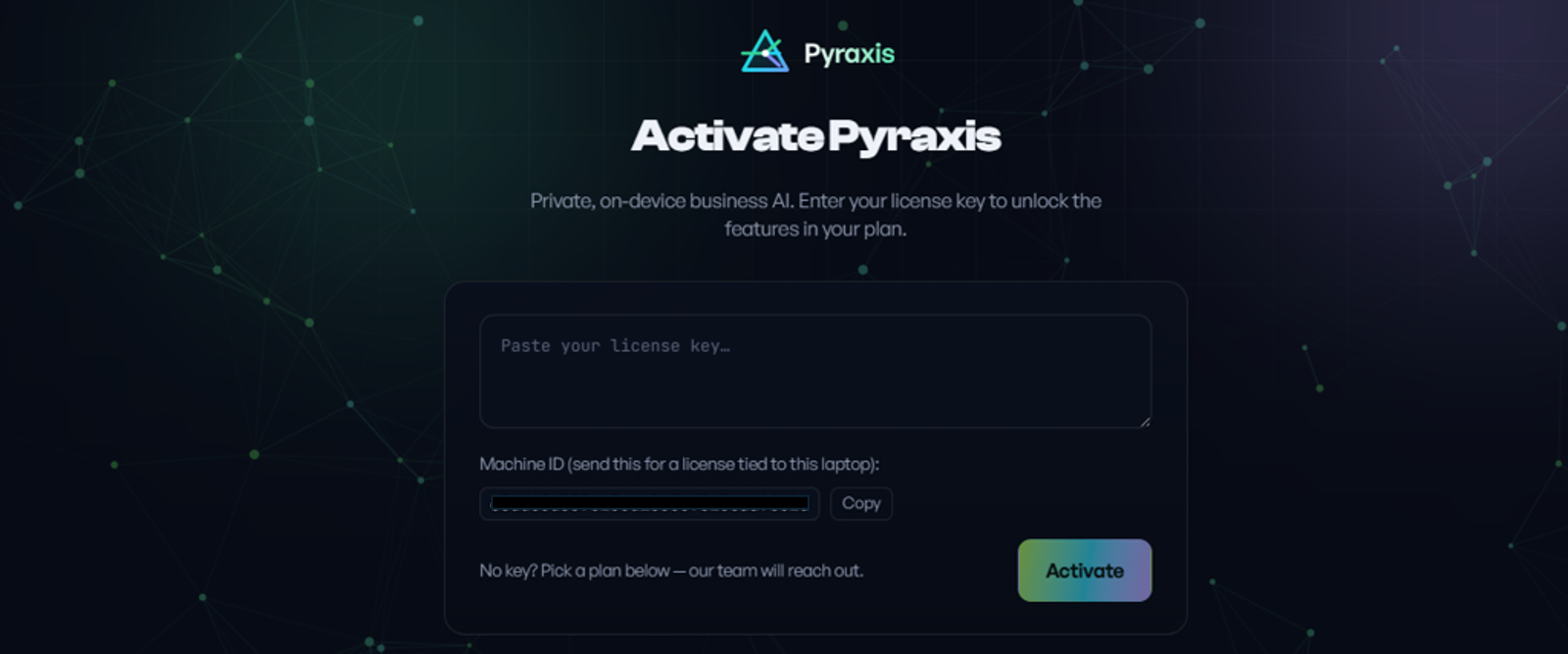
1. Find Your Machine ID
When you launch Pyraxis for the first time, you'll be shown a unique Machine ID. This identifier is generated specifically for your laptop or desktop computer.
2. Purchase Your License
After purchasing a Pyraxis license, you'll be asked to provide your Machine ID.
3. Receive Your Activation Code
We'll generate a unique Activation Code that's securely linked to your device and send it to you.
Each activation code is tied to a single computer, helping protect your license while ensuring only your authorized device can run Pyraxis.
4. Activate Pyraxis
Enter your Activation Code, and click Activate.
Once activated, you're ready to start using your private, on-device AI assistant.